
What should you do if your Belgian eID no longer allows you to connect online?
Your Belgian eID is still valid, but an online procedure is failing? First, check that the card is activated and that its electronic certificates are working. The official eID card page reminds you that the eID is used, among other things, to identify yourself with administrative services and to electronically sign documents.
Check if the problem relates to the eID or the service being used.
Test the card on another online administrative service. If authentication fails everywhere, the problem may be related to activation, certificates, or the hardware being used. If only one service refuses the connection, also check that service's instructions.
The eID enables online identification and electronic signatures when the necessary functions are available. Therefore, a card that is still valid as an identity document is not automatically operational for every electronic use.
- Note the error message displayed and the service concerned.
- Try another official approach to determine if the problem is widespread.
- Make sure you are using the correct PIN code associated with the card in question.
Control activation and electronic certificates
If your card has never been activated for online services, contact your local council for the applicable procedure. Activation is separate from simply possessing a valid identity card.
If certificates stop working or if an electronic signature is refused, ask the relevant authority to check their status. Do not automatically request a renewal: the problem may be limited to electronic usage.
- Contact your local council and describe the identification or signature problem in detail.
- Ask if the electronic certificates for your eID are active and usable.
- Follow the official instructions before replacing the card.
Knowing when a new card becomes necessary
A replacement may be necessary if the card has expired, is damaged, or has been reported lost or stolen. These situations are different from a simple online connection malfunction.
If the card remains physically valid but only electronic access fails, first have the activation and certificates checked by the municipal administration.
- Compare the expiry date printed on the card with today's date.
- Check that the card has not been reported lost or stolen.
- Request a replacement only if the administration confirms that it is necessary.
Official sources
Related procedures
Compare with community experiences
There are no public cases to show at the moment.
What about the other cases?
Open the procedure page for more information and to see cases as applicants share them.
View the related procedureRelated articles
Renewal of the A student card in Belgium: what is the deadline?
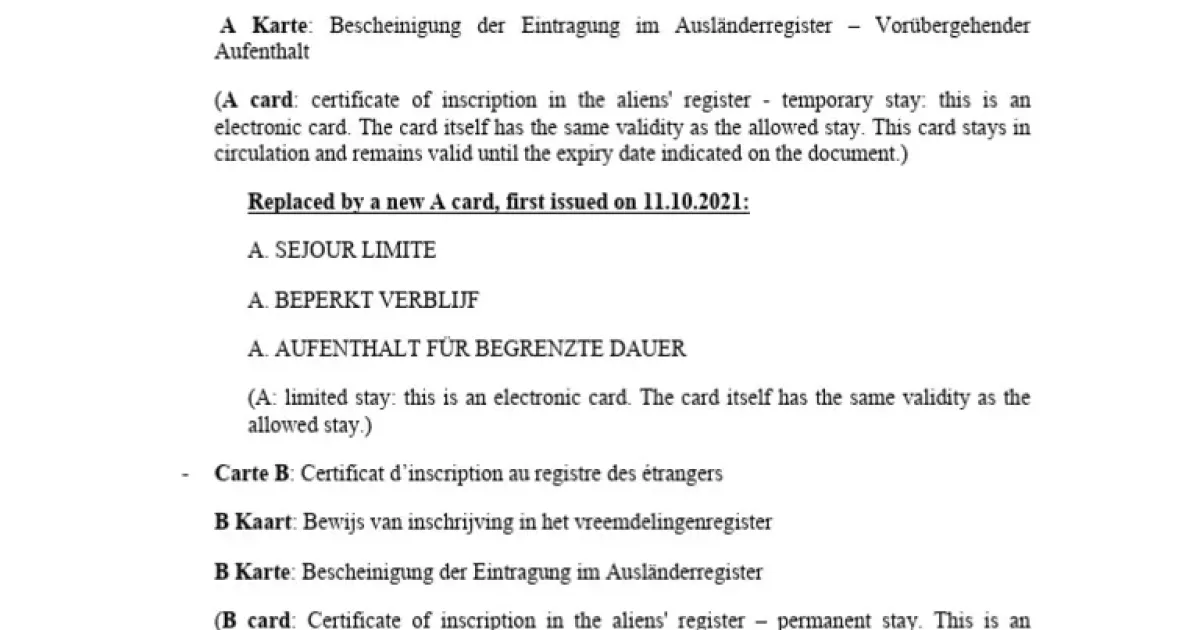
To renew a student residence permit (Carte A), the application must be submitted to the municipal administration of the place of residence no later than 15 days before its expiry. Once all the required documents are provided, the municipality can proceed with the renewal automatically.
Is it possible to obtain a visa with a Belgian eID without a passport?
The Belgian eID does not automatically replace a passport for visa-required travel. It serves as a travel document only in certain countries; for other destinations, you must check the applicable passport and visa requirements.
What should you do if your Belgian eID card is lost or stolen?
In case of loss or theft of a Belgian eID card, you must act quickly to avoid its fraudulent use and request a new document from the competent administration.