
How to request new PIN and PUK codes for a Belgian eID card?
If you still have your Belgian eID card but have forgotten your PIN or can no longer use your codes, you can request new codes via the official service Request for new PIN or PUK codes. This process is separate from renewing the card and reporting a loss or theft.
In what cases should I request new codes?
The request specifically addresses issues such as forgetting the PIN code or the inability to use the codes received when the card was manufactured. PIN codes secure remote identification and electronic signatures with the eID.
If the card itself is lost or stolen, you must follow the specific lost or stolen procedure rather than simply requesting new codes. If the card is about to expire, the appropriate course of action is to renew it.
How to submit the application?
The application can be submitted online through the service of the Directorate-General for Identity and Citizenship Affairs of the FPS Home Affairs. The procedures posted by the official service specify the information to be provided and the subsequent steps.
Keep your eID card and check the instructions provided after submitting your application. The issuance of new codes does not constitute a new identity card.
- Open the official service for requesting new PIN or PUK codes.
- Check that your situation corresponds to a forgotten or code problem, and not to a lost, stolen or expired card.
- Follow the service's instructions and keep the confirmation or information received.
- After receiving the new codes, use them in accordance with the instructions of your municipality or the relevant department.
What should I do if my PIN code has been blocked?
A blocked PIN should not be treated as a card renewal request. First, consult the official procedure for retrieving or replacing PINs to find out the steps applicable to your card and your municipality.
Do not attempt to enter unknown codes repeatedly: use the official instructions to avoid worsening the blockage.
Official sources
Related procedures
Compare with community experiences
There are no public cases to show at the moment.
What about the other cases?
Open the procedure page for more information and to see cases as applicants share them.
View the related procedureRelated articles
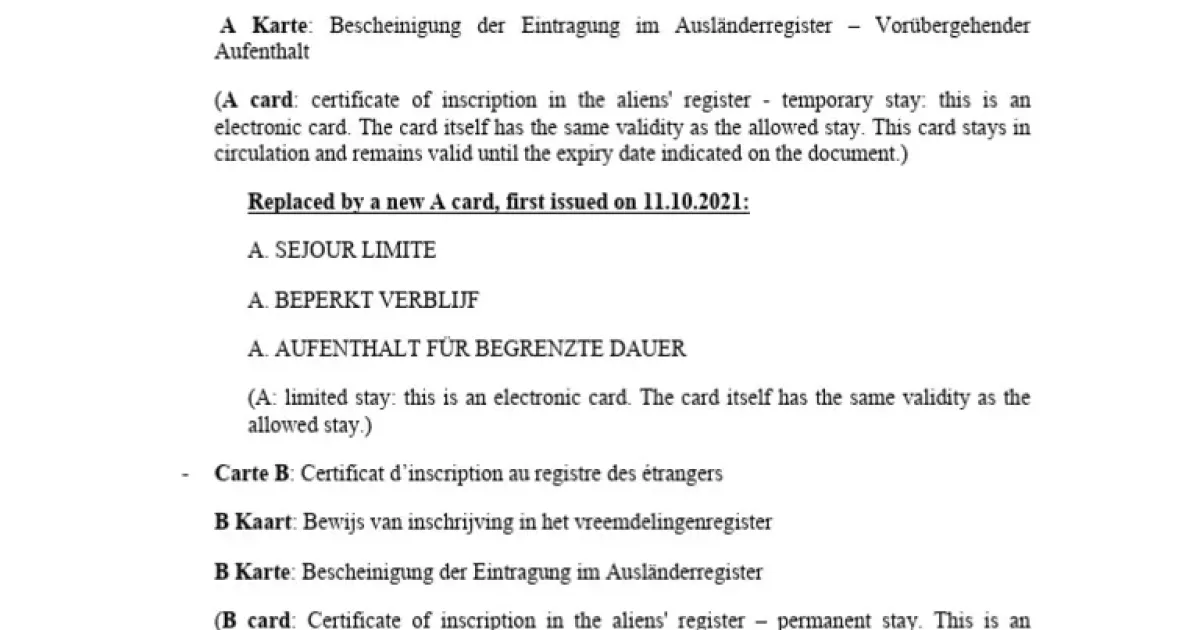
Renewal of the A student card in Belgium: what is the deadline?
To renew a student residence permit (Carte A), the application must be submitted to the municipal administration of the place of residence no later than 15 days before its expiry. Once all the required documents are provided, the municipality can proceed with the renewal automatically.
Is it possible to obtain a visa with a Belgian eID without a passport?
The Belgian eID does not automatically replace a passport for visa-required travel. It serves as a travel document only in certain countries; for other destinations, you must check the applicable passport and visa requirements.
What should you do if your Belgian eID card is lost or stolen?
In case of loss or theft of a Belgian eID card, you must act quickly to avoid its fraudulent use and request a new document from the competent administration.