
How to report a change of address with a Belgian eID?
After moving, the first step is to notify your local council of your new address. The Belgian eID can be used for certain administrative procedures, such as reporting a change of address, through the services provided by the authorities. Consult the official page on the Belgian electronic identity card (https://www.belgium.be/fr/famille/identite/carte_d_identite) to check the available options.
Notify the municipality of your new address.
The change of address must be reported to the local council so that the information in the national register can be updated. The practical procedures may vary depending on the municipality and the service used.
The eID allows you to complete certain administrative procedures online, including reporting a change of address. Check with your local council to see if the declaration can be submitted electronically or if you need to appear in person.
- Contact the municipal administration of your new residence to find out the applicable procedure.
- Prepare your eID and, if the process is carried out online, the means of identification requested by the public service.
- Submit the change of address declaration according to the procedures communicated by the municipality.
- Keep the confirmation or proof of the process until your administrative data has been effectively updated.
Check which procedures are accessible with the eID
The Belgian eID card can be used to access various administrative services and to request certain certificates. However, the availability of a given procedure depends on the public service in question and the procedures established by the administration.
If you cannot find the procedure online, ask your local council what steps to take to register your new address.
Official sources
Related procedures
Compare with community experiences
There are no public cases to show at the moment.
What about the other cases?
Open the procedure page for more information and to see cases as applicants share them.
View the related procedureRelated articles
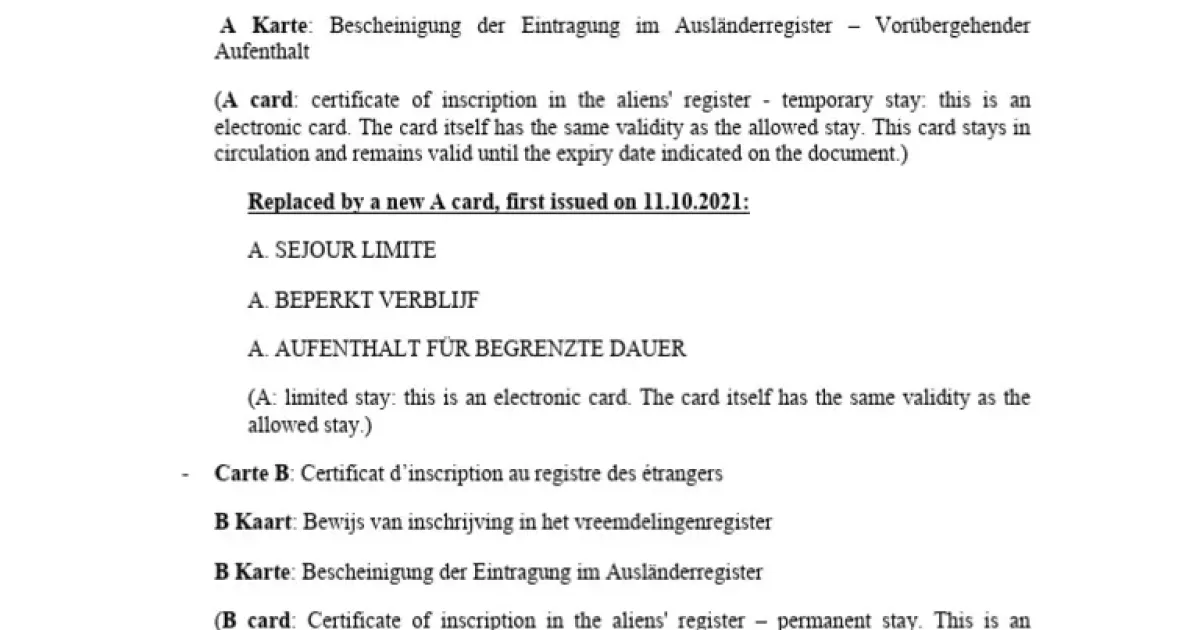
Renewal of the A student card in Belgium: what is the deadline?
To renew a student residence permit (Carte A), the application must be submitted to the municipal administration of the place of residence no later than 15 days before its expiry. Once all the required documents are provided, the municipality can proceed with the renewal automatically.
Is it possible to obtain a visa with a Belgian eID without a passport?
The Belgian eID does not automatically replace a passport for visa-required travel. It serves as a travel document only in certain countries; for other destinations, you must check the applicable passport and visa requirements.

What should you do if your Belgian eID card is lost or stolen?
In case of loss or theft of a Belgian eID card, you must act quickly to avoid its fraudulent use and request a new document from the competent administration.